Turn the Right Technology Into a Working Business System.
We help businesses configure, integrate, test and deploy software and technology systems so they fit the way the business actually works.
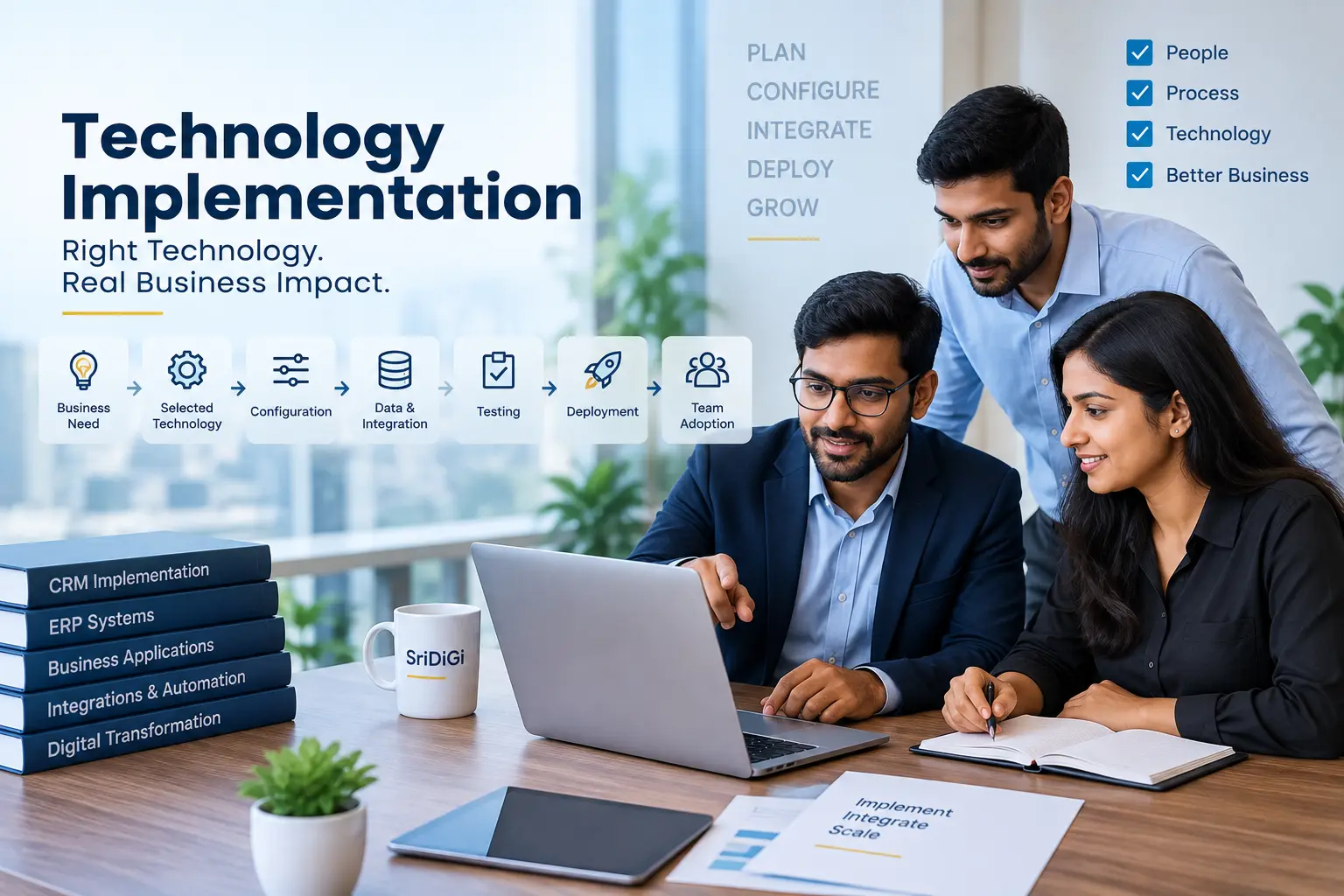
Implementation Is Where Technology Becomes Useful.
01 Business Fit
Configure the selected technology around the actual business requirement.
02 System Connection
Connect relevant systems where technically supported.
03 Reliable Deployment
Test the implementation before moving it into live use.
04 Team Adoption
Help users understand how the new system fits into their work.
Choosing technology is only the beginning. Implementation is where the technology becomes part of the business.
What Does Technology Implementation Mean?
Technology implementation is the process of taking a selected software, platform, system or digital solution and configuring, integrating, testing and introducing it into a business environment.
The implementation process is different from simply purchasing software.
From Technology Choice to Live Business System
What Technology Can We Help Implement?
CRM Systems
Sales, customer and lead management platforms.
ERP / Business Systems
Integrated operational and business-management systems.
Billing & Accounting
Business billing and financial-record workflows.
Inventory Systems
Stock and operational management platforms.
Customer Communication
Email, messaging or customer-service tools.
Workflow / Automation
Platforms that connect processes and automate tasks.
Analytics / Reporting
Dashboards and reporting environments.
Custom Digital Systems
Business-specific software where a tailored solution is appropriate.
Start With Requirements, Not Features
Before implementation, the business requirements, user roles, current systems and intended workflows should be understood.
A feature is only useful when it solves a real business need.
Find the Gap Between the System and the Business
Implementation may involve configuration, process change, integration or limited customization depending on the system.
Configure the System Around the Business
Specific capabilities depend on the selected platform.
- Users & Roles
- Permissions
- Workflow Stages
- Forms & Fields
- Notifications
- Reports
- Business Rules
- Templates
Move the Right Data Into the New System
Where a business is moving from an existing system, relevant data may need to be reviewed, cleaned, mapped and migrated.
Connect the Systems That Need to Work Together
Integration can help systems exchange relevant information and reduce duplicate work where technically supported.
Connect Technology Through APIs and Integrations
Where APIs, webhooks or supported integration methods are available, systems can sometimes exchange data and trigger workflows.
Implementation Should Consider Access & Security
Security requirements depend on the technology and project.
- User Roles & Permissions
- Authentication & Data Access
- Environment Separation
- Backups where applicable
- Secure Credentials
- Logging where supported
Test Before Going Live
Testing should include normal workflows and important exception cases.
FUNCTIONAL
Does the workflow work?
DATA
Is the information moving correctly?
INTEGRATION
Do connected systems communicate correctly?
USER
Can the team complete the intended task?
EXCEPTION
What happens when something goes wrong?
MOBILE / RESPONSIVE
Where relevant.
A System Is Only Useful When the Team Can Use It
User adoption is part of implementation because a technically working system still needs to fit the people using it.
Move From Test Environment to Live Operations
*where applicable.
How We Implement Technology
A typical implementation process.
Understand
Understand the business requirement.
Assess
Review the selected technology and existing environment.
Plan
Define implementation scope, dependencies and milestones.
Configure
Set up the system according to the agreed requirements.
Integrate
Connect relevant systems where supported.
Test
Test workflows, data and integrations.
Deploy
Move the approved implementation into live use.
Support
Assist with adoption and post-launch improvement.
Should You Buy, Configure or Build?
The right decision depends on business requirements, constraints, budget and long-term needs.
BUY
Use an existing platform when it already solves the business need.
CONFIGURE
Adapt an existing platform around the workflow.
BUILD
Create a custom system when standard options are insufficient.
When Should You Consider Technology Implementation?
- You selected a software/platform but need help setting it up.
- Your team is not using the system consistently.
- Multiple systems need to exchange information.
- You are replacing spreadsheets with a structured system.
- You are migrating from an older platform.
- Your business has grown beyond manual tools.
- You need a controlled implementation rather than a simple software purchase.
Technology Is Not Always the First Answer
Sometimes the right step is to reassess the solution before implementing it. Implementation may not be the right first step when:
- Requirements are unclear.
- The process itself is broken.
- The chosen system does not fit the business.
- Data is not ready.
- The team is not prepared for adoption.
- The business may need a simpler solution.
Choose the Right Implementation Approach
Technology Implementation Across Different Businesses
Conceptual examples of implementations.
Retail
Billing + inventory + customer management.
Professional Services
CRM + project/process + billing workflows.
Real Estate
Website + lead system + CRM / follow-up.
E-commerce
Store + order management + customer communication.
Manufacturing
Inventory + operations + reporting.
Growing Businesses
Moving from spreadsheets to connected business systems.
Implement Practical Business Tools
Smart billing and business management software designed to help businesses manage billing, inventory and operational records.
Explore BillApp →Real Estate Example: Implementing a Lead Workflow
SriDiGi Property Lead System: A professional real-estate website and lead-generation system designed around property presentation and customer enquiries.
View SriDiGi Property Lead System →Who Can Benefit From Technology Implementation?
Growing Businesses
Retail
Professional Services
Real Estate
E-commerce
Manufacturing
Startups
Multi-team Businesses
Our Approach
How SriDiGi Can Help With Technology Implementation
Business Fit
Implement technology around the actual business need.
Structured Deployment
Follow a clear implementation and testing process.
Integration-Aware
Connect systems where technically appropriate.
Adoption Support
Help teams understand and use the implemented system.
Frequently Asked Questions
Have the Right Technology but Need Help Making It Work?
Tell us what system you have, what you want it to do and where the current implementation is getting stuck.
Technology implementation requirements vary depending on the selected platform, business process, data, integrations, technical environment and project scope. Information on this page is for general service information and should not be treated as technology, legal, financial or business advice. Specific implementation recommendations should be assessed for the individual project.